
Stones
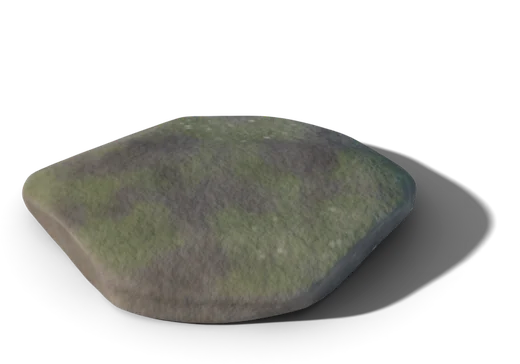
Each focus block is a stone with its task, its place and its time. Only one at a time.
Focus blocks · 一歩
Leafstep divides your day into blocks of time, each for a single thing. When a block ends, it tells you quietly. To move on, you take the step: press and hold the stone.
iPhone · iPad · Mac · Apple Watch




Slide to move the sun and see the garden at any time of day.
道 · The path
You plan your week in blocks and give each one a single task or area. Leafstep turns it into a path of stepping stones, like those in Japanese gardens: you only look at the one beneath your feet.
 Mail and messages30 min
 Unhurried writing50 min · 2 leaves
 Meeting with Anaa rock from your calendarDesign90 minA walkno screens
Each focus block is a stone with its task, its place and its time. Only one at a time.
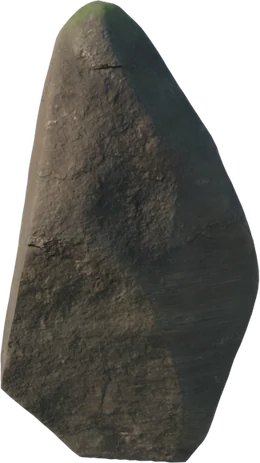
Your calendar events are rocks the path flows around: the block adjusts without breaking.
Your reminders fall like leaves into the block of their area. Gather them as you finish them.
済 · The ritual of the step
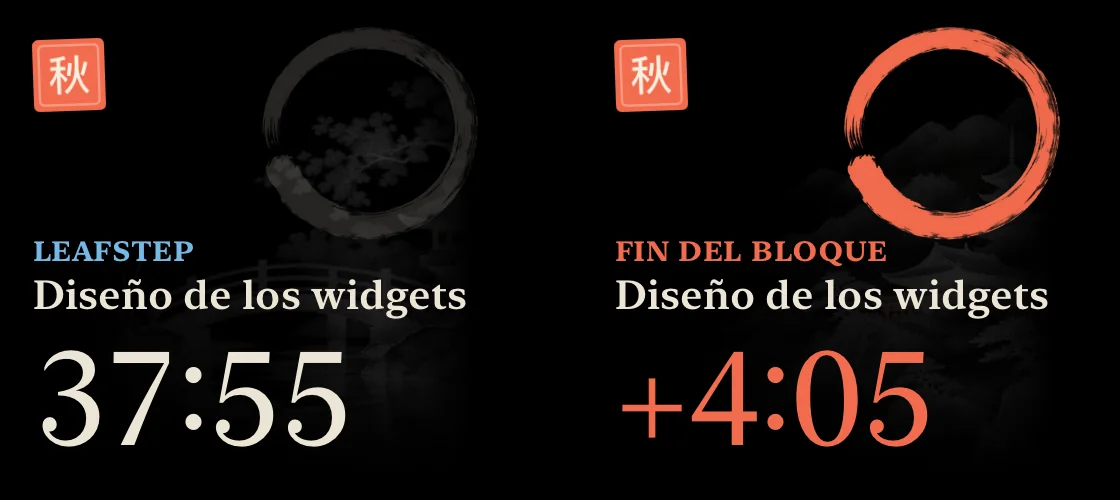
When a block ends, no alarm goes off. The Dynamic Island expands in silence, the card turns vermilion and starts counting the extra time. Nothing moves on by itself: you decide when.
End of block
Unhurried writing
How did it go?
Press and hold the stone (or the space bar).
庭 · Eight gardens
Each area of your life has its own place. They are dioramas modelled in 3D and rendered in Blender, lit by the app with the real time of day: dawn, midday, dusk, night with glowing lanterns. And they change with the season: cherry blossom, fireflies, red maples, snow.

静 · In silence
Leafstep stays with you all day, so everything about it is calm: ink, paper, stone and natural light. Nothing flashes to get your attention.
Not a single beep. Alerts arrive silently and the countdown lives on your Lock Screen and in the Dynamic Island.
One important thing on screen. Empty space is design too: it leaves room to think.
No accounts, ads or analytics. Your plan syncs through your iCloud and your calendar is read only on your device.
器 · On all your devices
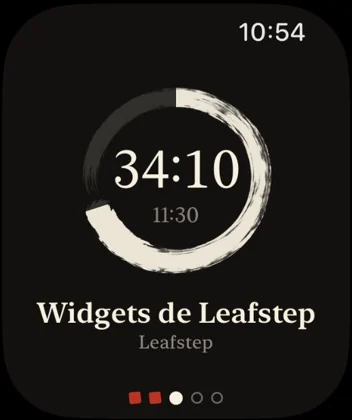
The same path in your pocket, on your wrist and on your desk.
Your block's garden, in the light of your hour and the weather outside.
A face with an ensō that closes as the block goes by.
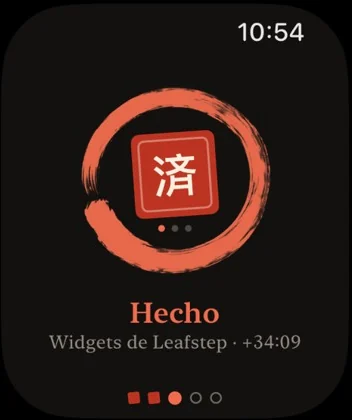
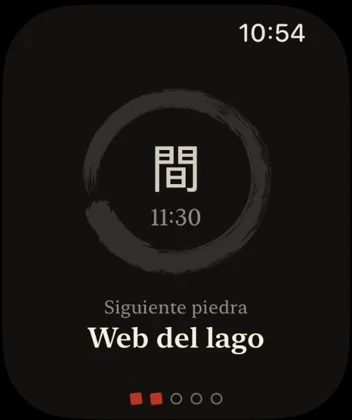
When the block ends, a veil covers the screen and only lifts when you take the step.
Leafstep is coming soon to the App Store for iPhone, iPad, Mac and Apple Watch. If you would like us to let you know, or have any questions, write to us.